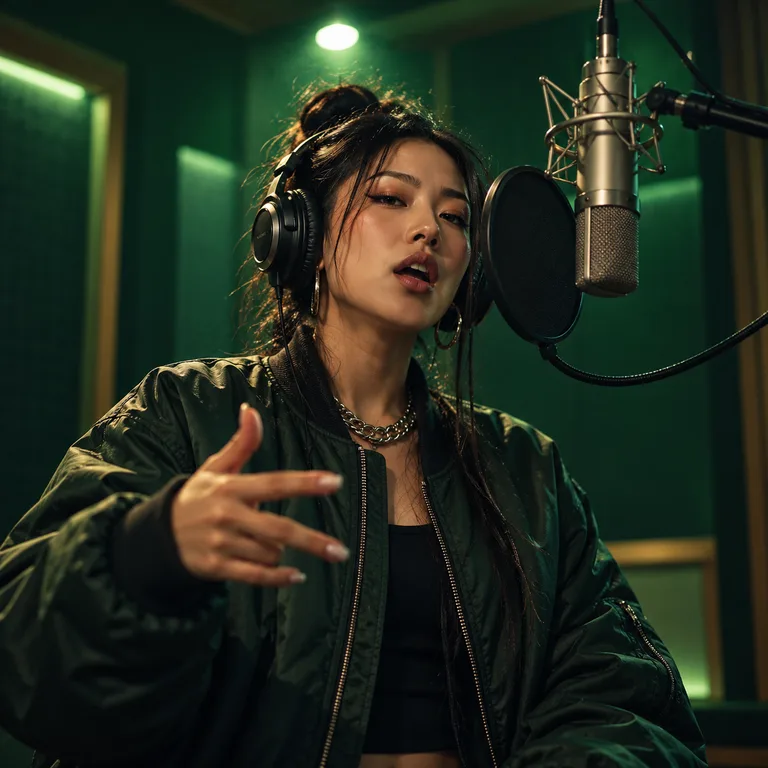
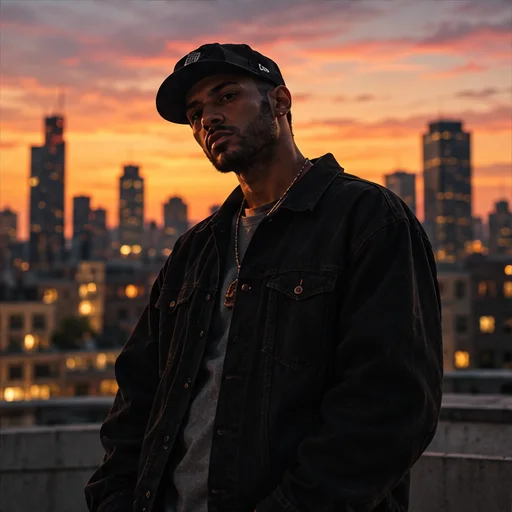
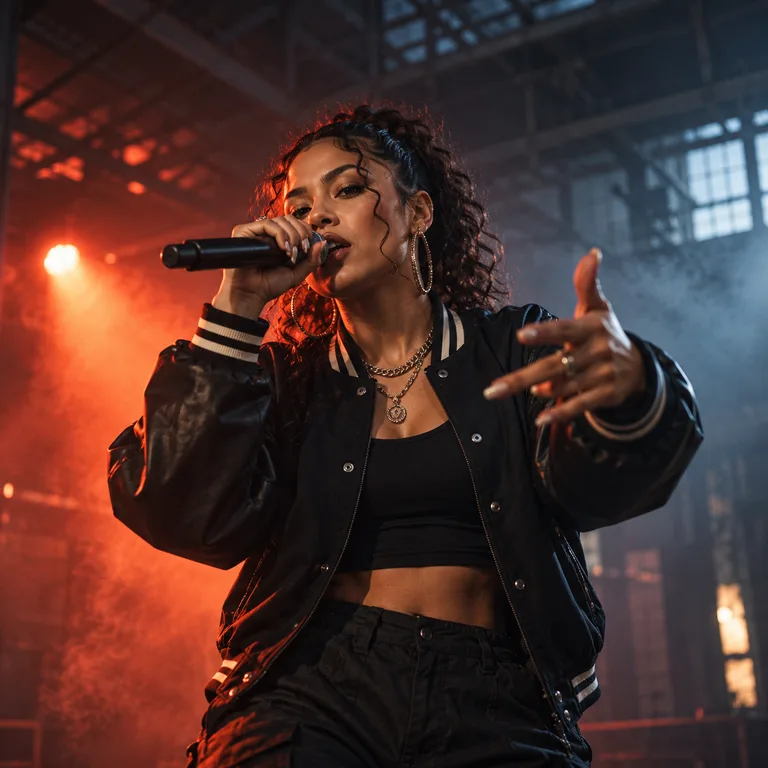
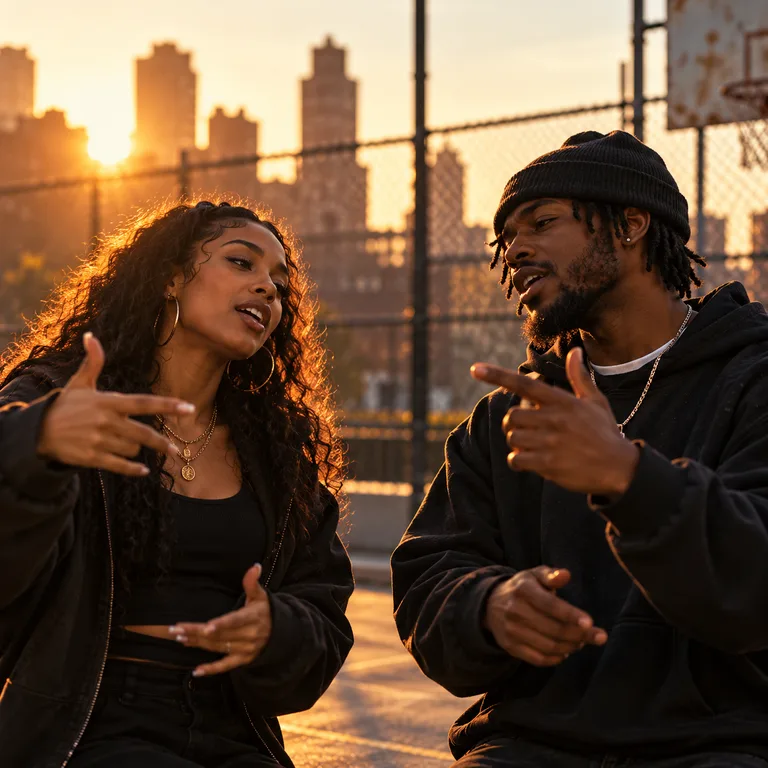
AI Video Studio
Video preview
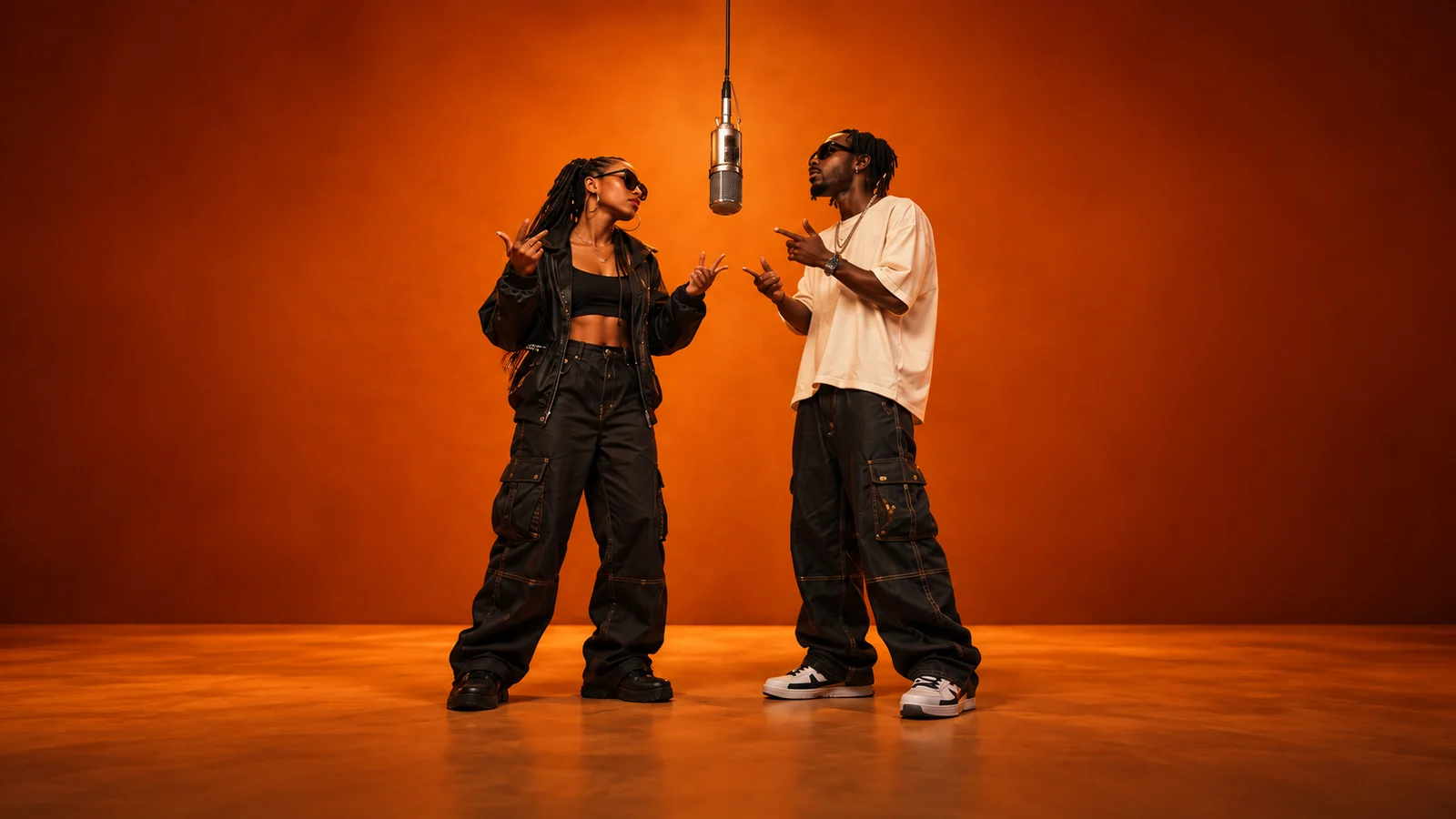
Your next video starts here.
Add your references and generate. Your finished video will appear here.
Your videos
Your first clip is next.
Loading videos…
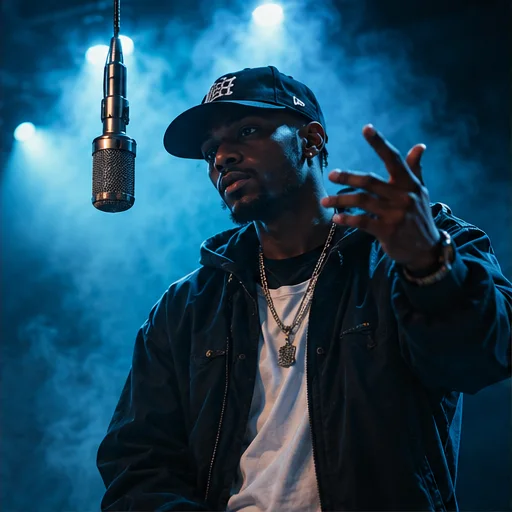 A little inspiration goes a long way.Explore templates
Step into a rap-inspired scene with your own photos. Start with a template, or bring your own idea to life.
Explore templatesAdd your references and generate. Your finished video will appear here.
Loading videos…
A little inspiration goes a long way.Explore templatesChoose a popular template, upload your photos, and make the scene your own.
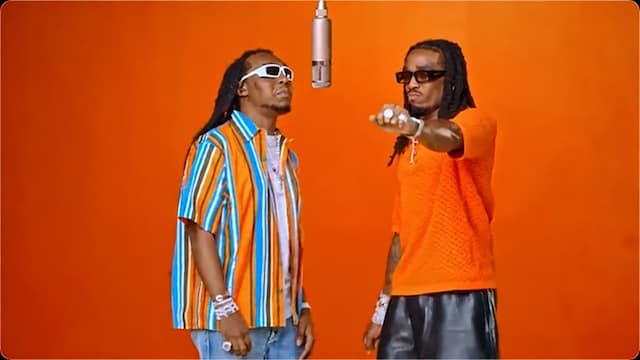
Find your inspiration, upload your photos, and turn your ideas into a rap video starring you.
Celebrate your journey together with a song for your anniversary.
Make thisPut the birthday person on stage with a rap about their name, memories and inside jokes.
Make thisTurn two photos and a holiday inside joke into a Christmas rap greeting.
Make thisAI Rap Forge turns your photos and ideas into videos with the most advanced AI video models. Create a personal anthem with Topic Rap, step into a scene with Hot Templates, or direct your own idea in Custom mode. We offer 9:16 portrait videos, ready to share on TikTok, Reels and other social platforms.
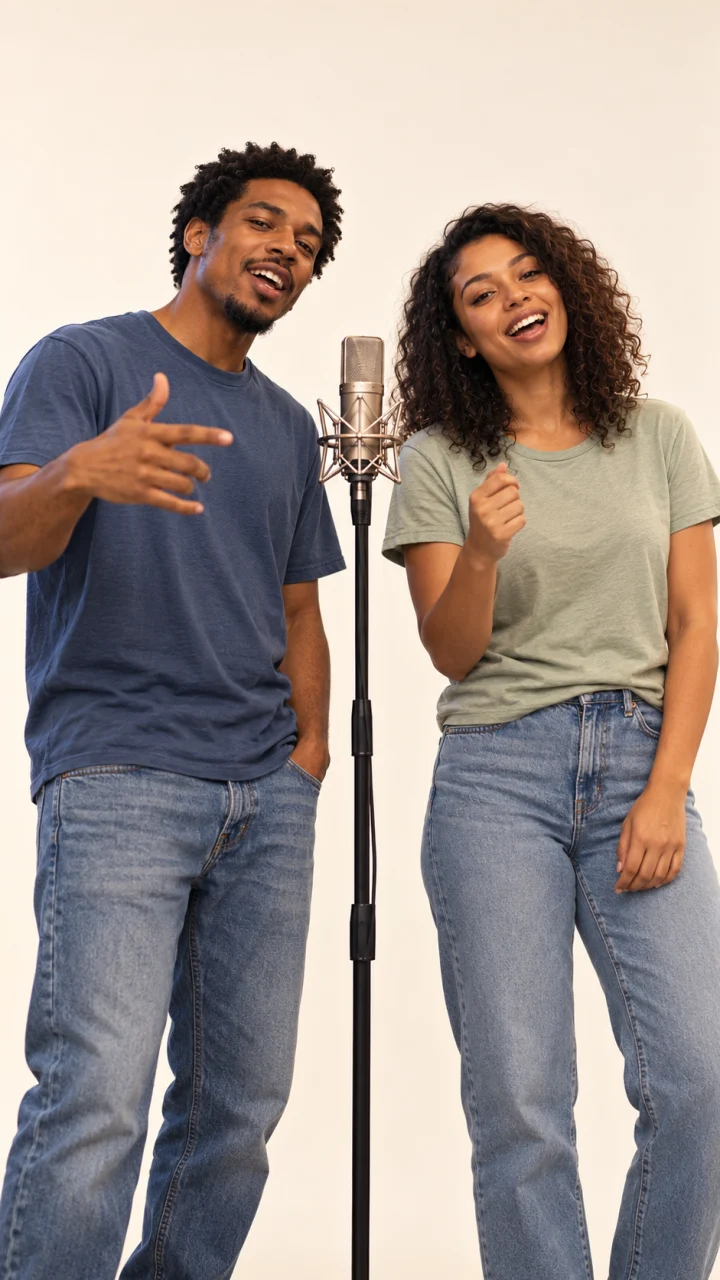
Choose your way to create: Topic Rap, Hot Templates or Custom.
Turn a theme into a rap video starring you.
Choose an available stage for your performance.
Upload one photo per performer, matching your selected stage.
Add a birthday message, a shared memory or your own theme to inspire personal rap lyrics.
Generate your video, preview the finished performance and save it to share.
From a familiar trend to an original scene, find a starting point for your next video.
Recreate the Hotel Lobby trend with your own photos. Start from the template’s reference scene and give it your own cast.
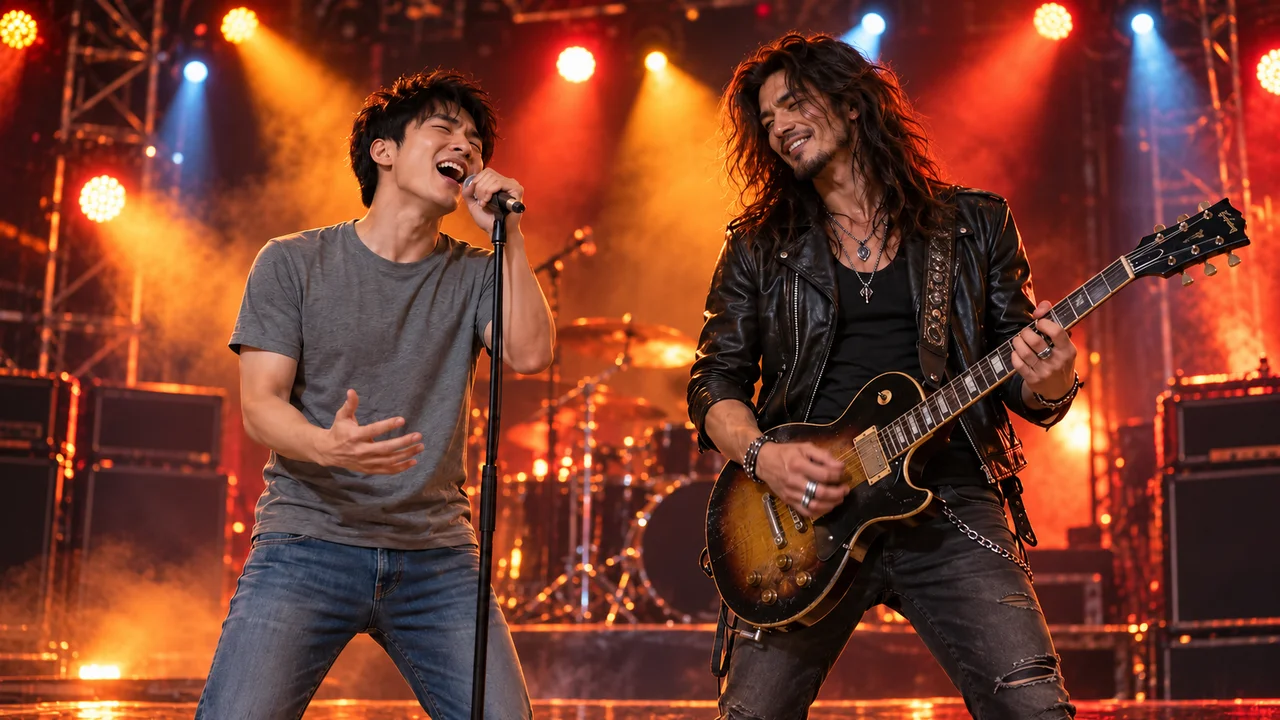
Turn a visual idea into a short vertical video. Choose 9:16 framing for your social feed and try different scenes for your next post.
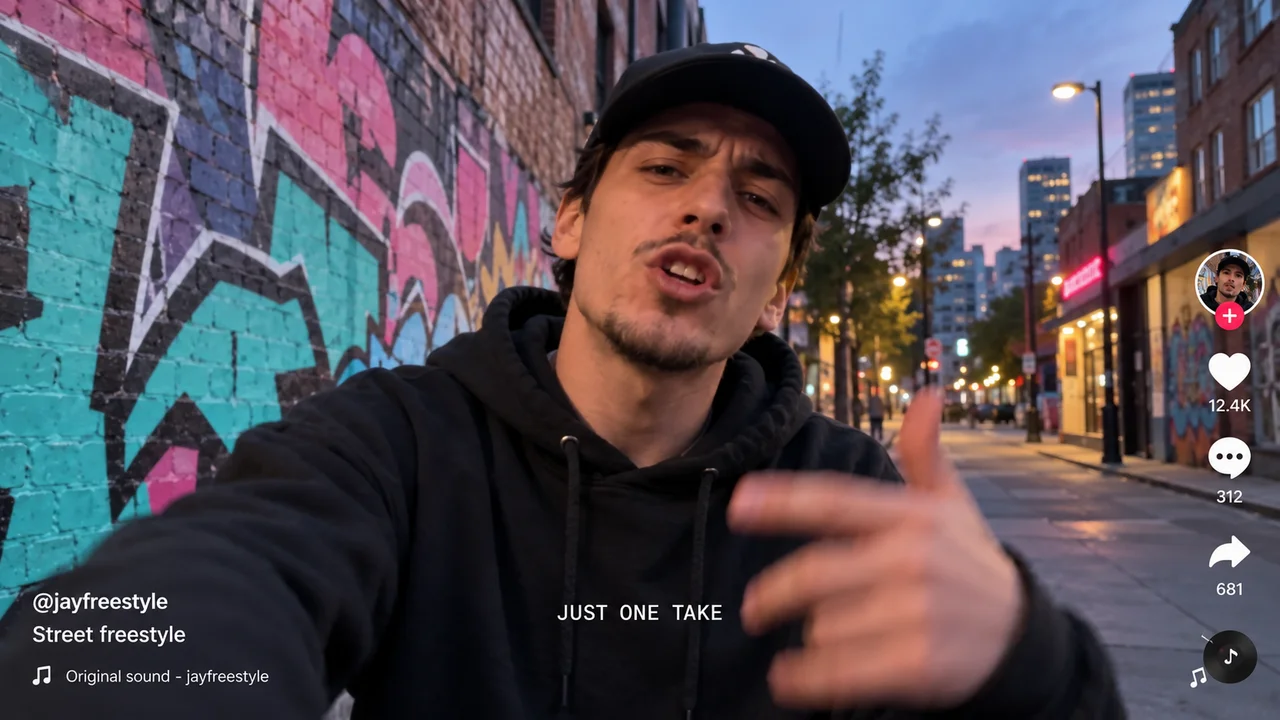
Create short visuals for your own tracks, artist teasers or release announcements. Use Custom mode to describe the mood, setting and movement, then pair the clip with music you have the rights to use.
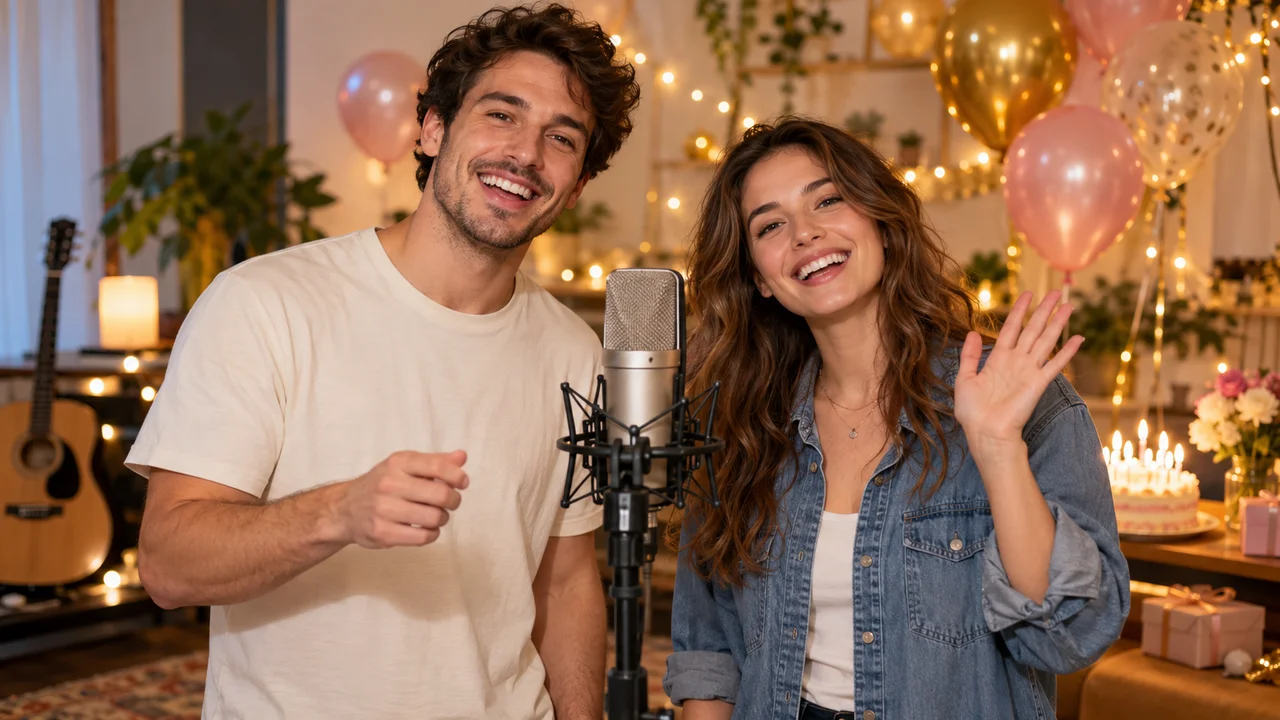
Create a playful birthday clip or a shared-memory video with photos you have permission to use. Choose a template for a quick start, or invent a scene around your own story.
Buy once. Create whenever inspiration strikes.
One-time payment · No auto-renewal
500 credits ≈ 10 videos
One-time payment · No auto-renewal
1,800 credits ≈ 36 videos
One-time payment · No auto-renewal
5,200 credits ≈ 104 videos
One-time payment · No auto-renewal
14,000 credits ≈ 280 videos
Video counts are estimated with MiniMax H3 at 768P for 5 seconds, no reference video and up to 5 images (50 credits per video). Actual counts vary by model, resolution and duration.
The studio shows the credit cost before you submit. The same pricing rules apply to template videos and custom creations.
Video credits = rate × (output seconds + reference video seconds) + extra image credits.
Example: a 5-second MiniMax H3 video at 768P, with up to 5 images and no reference video, costs 50 credits.
Credits per billable second
| Model | Resolution | No reference video | With reference video |
|---|---|---|---|
| Seedance 2.0 | 480p | 25 | 15 |
| Seedance 2.0 | 720p | 51 | 32 |
| Seedance 2.0 | 1080p | 127 | 77 |
| Seedance 2.0 | 4k | 258 | 159 |
| Seedance 2.0 Mini | 480p | 10 | 8 |
| Seedance 2.0 Mini | 720p | 19 | 14 |
| Seedance 2.0 Fast | 480p | 15 | 10 |
| Seedance 2.0 Fast | 720p | 32 | 19 |
| Seedance 2.5 | 480p | 36 | 22 |
| Seedance 2.5 | 720p | 80 | 48 |
| Seedance 2.5 | 1080p | 198 | 120 |
| MiniMax H3 | 768P | 10 | 10 |
| MiniMax H3 | 2K | 16 | 15 |
Create a personal anthem with Topic Rap, step into a scene with Hot Templates, or control your prompt, references and settings in Custom mode. No editing timeline to learn.
Choose from Seedance 2.0, Mini, Fast, Seedance 2.5 and MiniMax H3. Compare the available resolutions and settings to find the right fit for your video.
Start with a one-time credit pack from $9.00. See the generation cost up front and choose the model and resolution that suit your budget.
Your credits are deducted on submission and automatically returned if generation fails. A failed generation does not use up your credits.
We do not publish your uploaded photos in a public gallery or sell them. Files are processed by the providers needed to create your video; see our Privacy Policy for details.
Choose portrait 9:16 for TikTok and Reels, landscape 16:9 for a local player, or square and other available formats for your next idea.
AI Rap Forge is a browser-based AI video studio. It turns reference photos, videos and prompts into short clips, with ready-made templates for rap-inspired scenes and a Custom mode for your own ideas.
Choose a template or Custom mode, upload your references, and select the available video settings. Sign in, check the credit cost, then submit. You can follow progress and play the finished video in your video history.
Topic Rap provides the stage, give it a short topic, and the video’s lyrics and movements are generated around your idea. Hot Templates aims to recreate the template’s movements and lyrics, using your photos to replace the people in the scene. Custom mode gives you the freedom to explore your own ideas with your prompts and reference materials.
One-time credit packs start at $9.00 for 500 credits. Each video’s cost depends on its model, resolution, output length, reference video length and any extra image charges. The studio displays the credit cost before submission; the pricing and billing sections below explain the rates.
No. The current plans are one-time credit packs, with no recurring payment. Buy credits when you need them and use them for template or custom videos.
Use sharp, well-lit photos with clearly visible faces and subjects. Avoid heavy filters, motion blur and obstructions. For templates, upload exactly the number of images requested. The uploader shows the file size, format and dimension limits for your chosen model.
Yes. Choose the Hotel Lobby template, upload the required photos, select your video settings and generate. The template provides the reference scene and prompt. Results vary with the input photos and model.
You can select an output length from 5 to 15 seconds, or up to 30 seconds with Seedance 2.5. Generation time varies with the model, resolution, provider load and queue; there is no fixed completion time. You can follow the status in your video history while it runs.
Yes. Save the completed video and upload it to your account. Choose 9:16 for a vertical post or Reel. Make sure you have permission to use the people, reference material and any music, and follow the platform’s content and AI-labeling requirements.
Credits are deducted on submission and automatically returned if generation fails or is canceled. If the status or video storage update is still pending, use Refresh in your video history to check again. A failed playback alone does not mean generation failed.
Only upload photos you have permission to use, with the consent of the people shown. Do not create deceptive impersonations, harassment or non-consensual content. You are responsible for the material you upload and how you share the result.
Current purchased credit packs have no expiry date. Promotional credits may have a separate expiry shown in your account. Failed-generation credit refunds are automatic. For a payment refund, open a support ticket from Settings; requests are reviewed case by case under the Terms of Service.
Turn your photos into an AI Rap Video. Pick a template or bring your own idea to the studio.