







Sunrise workouts vs. 2 a.m. creativity
Theme: rap battle: sunrise workouts vs. 2 a.m. creativity; each defends their routine with playful replies; keep it friendly
Turn a friendly rivalry into a short rap battle video. Bring two photos, pick a duo stage and give AI a theme for the punchlines.
See how to make your rap battle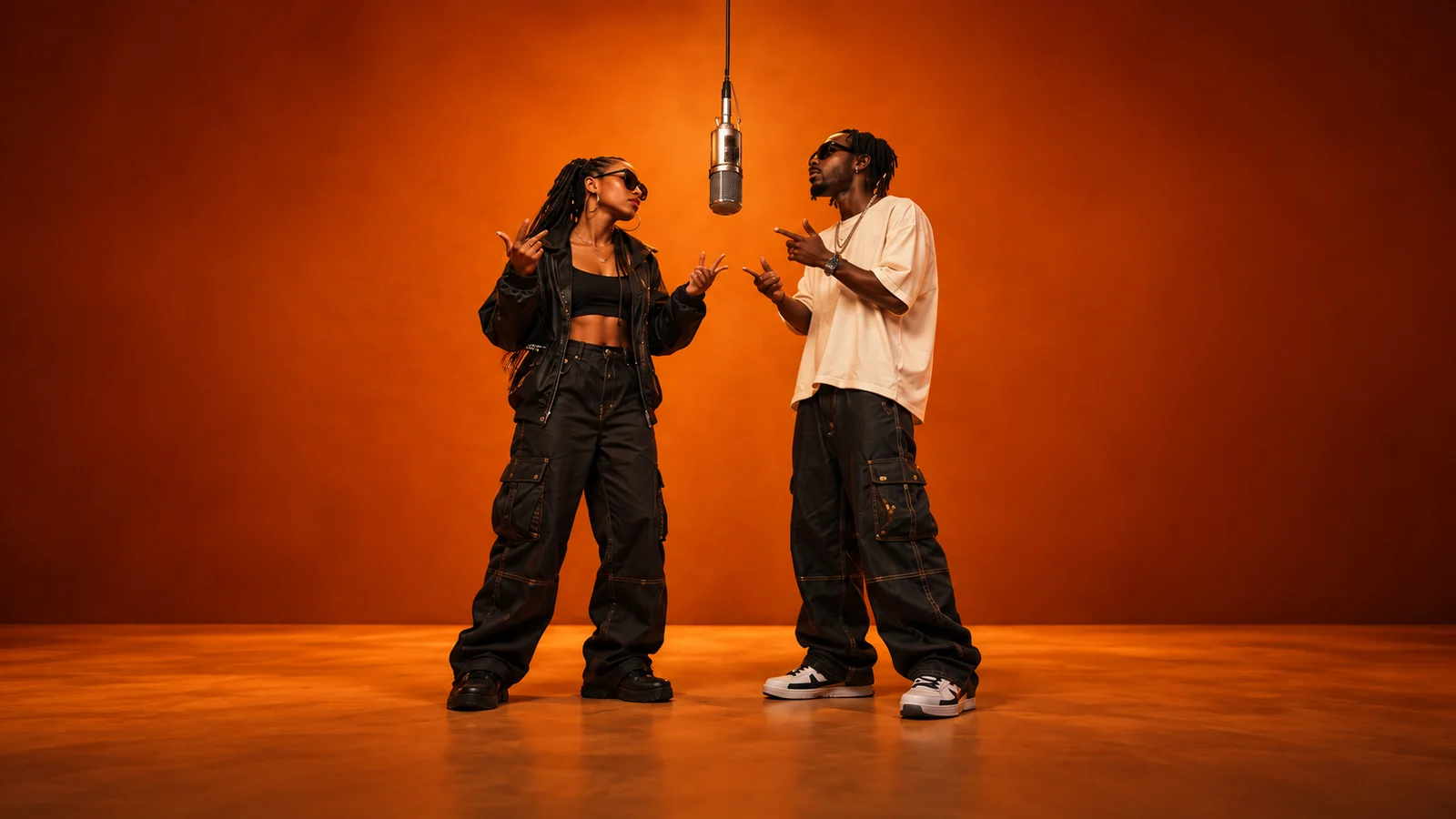
Add your references and generate. Your finished video will appear here.
Loading videos…
 A little inspiration goes a long way.Explore templates
The early bird and the night owl. The planner and the friend who always wings it. With AI Rap Forge, an everyday disagreement becomes the starting point for a rap battle starring your people.
Choose a two-performer stage in Topic Rap, upload a photo for each side and describe the rivalry in the theme. AI prepares new lyrics and uses your photos and stage to generate a short performance.
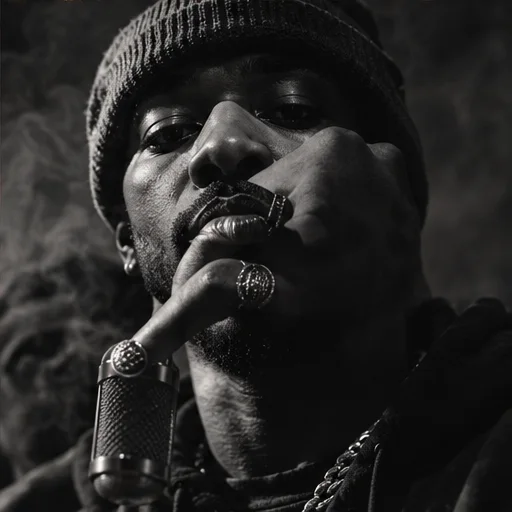
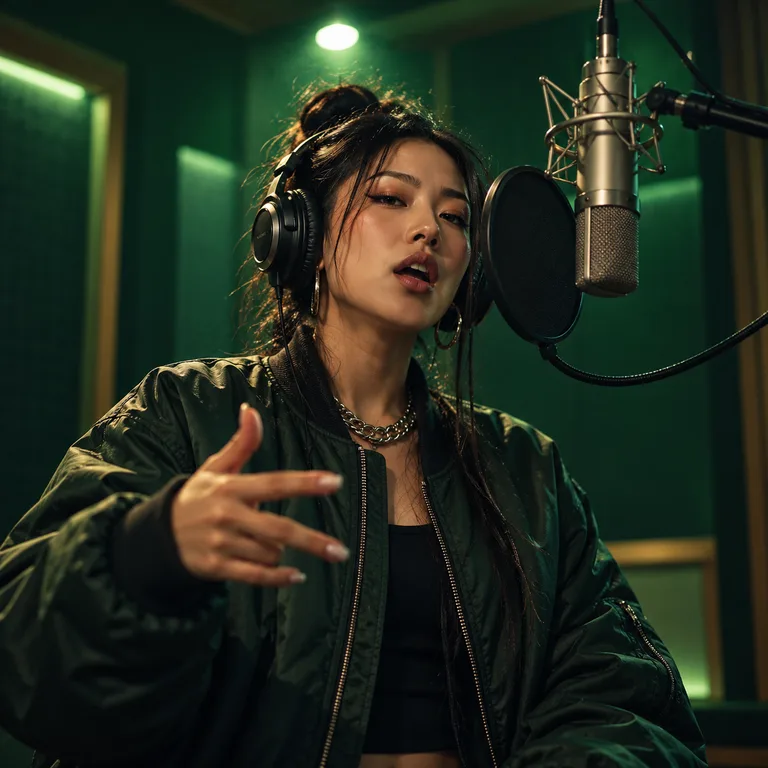
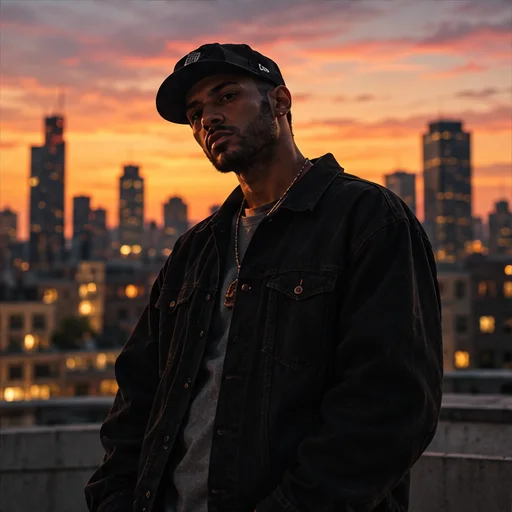
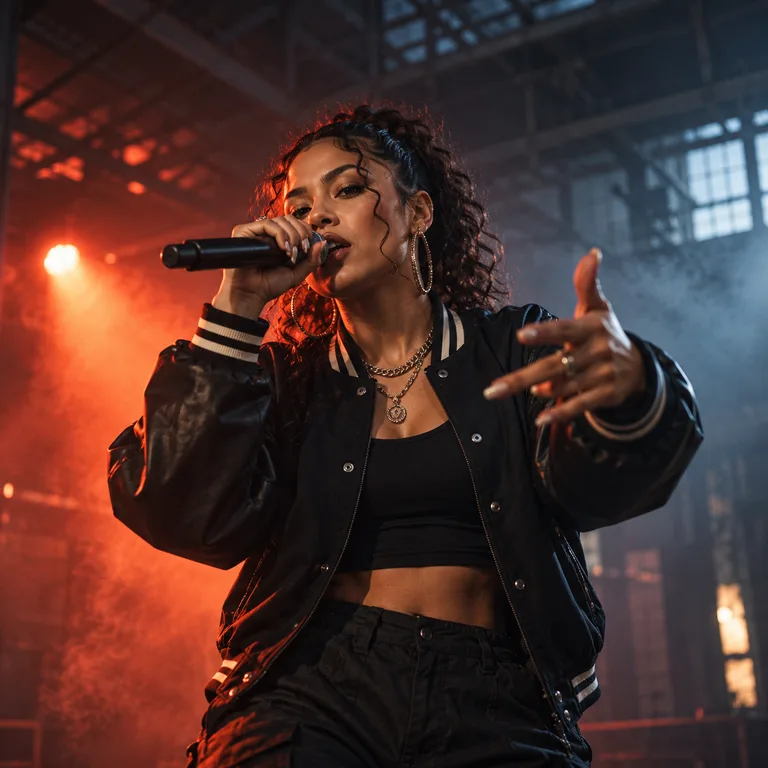
These samples show the same stages used across the studio. Your battle comes from your own theme: name both sides, give each a point to defend and ask for playful replies. Exact lines, turn-taking and lip sync can vary.
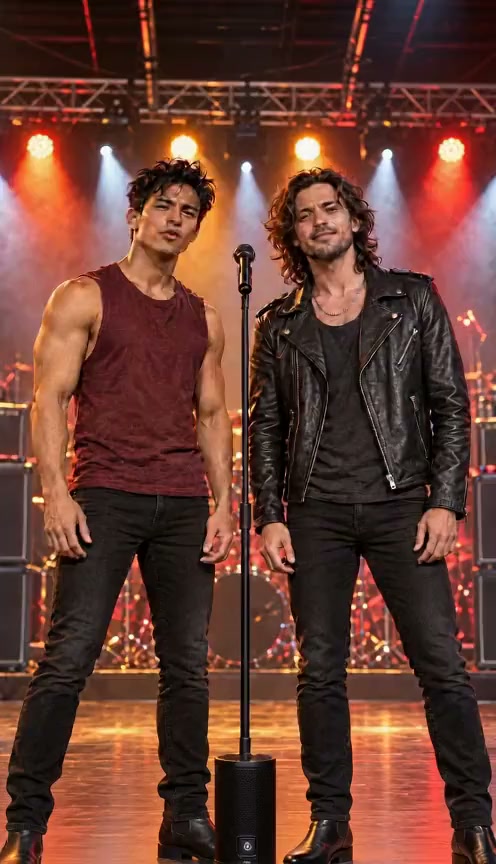
Use Topic Rap in the studio above. A specific rivalry gives the lyrics more to work with.
Make my rap battleChoose a duo stage and your video model. Check the performer count before uploading; a solo stage is designed for one person.
Upload one clear photo per performer in the order shown. The photos can be taken separately. Use well-lit, unobstructed faces and permission from both people.
Start your theme with “rap battle:” and name both sides. Add a specific disagreement, a detail for each person and the tone you want. Choose duration, format and resolution, then review the displayed credit cost.
Sign in and submit. Follow progress in video history, then preview and download the finished clip. Check the lyrics, vocals and faces before sharing; a short clip may only fit a brief exchange.
Try one of these original ideas. Copy a theme into Topic Rap and swap in names or details from your own rivalry.
Theme: rap battle: sunrise workouts vs. 2 a.m. creativity; each defends their routine with playful replies; keep it friendly
Theme: rap battle: spreadsheet planner vs. spontaneous traveler; trade witty travel punchlines with no mean insults
Theme: rap battle: vinyl collector vs. playlist curator; each claims the better music taste; playful back-and-forth
Theme: rap battle: home-gym lifter vs. marathon runner; trade friendly fitness boasts and give both sides a punchline
Put the people in the rivalry on screen. Their expressions and stage presence give the joke a personal setting that a text thread leaves to the imagination.
A written rhyme suggests a rhythm. A generated performance adds vocals, music and timing, so the punchline has a delivery to go with it. Preview the audio because AI results vary.
A shared stage gives both sides a place in the scene. Your references and chosen setting help turn a disagreement into a performance people can watch together.
Download a short clip for your group chat or social feed. Choose 9:16 where supported for Reels or Shorts, and let viewers watch the rivalry unfold in one video.
Buy once. Create whenever inspiration strikes.
One-time payment · No auto-renewal
500 credits ≈ 10 videos
One-time payment · No auto-renewal
1,800 credits ≈ 36 videos
One-time payment · No auto-renewal
5,200 credits ≈ 104 videos
One-time payment · No auto-renewal
14,000 credits ≈ 280 videos
Video counts are estimated with MiniMax H3 at 768P for 5 seconds, no reference video and up to 5 images (50 credits per video). Actual counts vary by model, resolution and duration.
The studio shows the credit cost before you submit. The same pricing rules apply to template videos and custom creations.
Video credits = rate × (output seconds + reference video seconds) + extra image credits.
Example: a 5-second MiniMax H3 video at 768P, with up to 5 images and no reference video, costs 50 credits.
Credits per billable second
| Model | Resolution | No reference video | With reference video |
|---|---|---|---|
| Seedance 2.0 | 480p | 25 | 15 |
| Seedance 2.0 | 720p | 51 | 32 |
| Seedance 2.0 | 1080p | 127 | 77 |
| Seedance 2.0 | 4k | 258 | 159 |
| Seedance 2.0 Mini | 480p | 10 | 8 |
| Seedance 2.0 Mini | 720p | 19 | 14 |
| Seedance 2.0 Fast | 480p | 15 | 10 |
| Seedance 2.0 Fast | 720p | 32 | 19 |
| Seedance 2.5 | 480p | 36 | 22 |
| Seedance 2.5 | 720p | 80 | 48 |
| Seedance 2.5 | 1080p | 198 | 120 |
| MiniMax H3 | 768P | 10 | 10 |
| MiniMax H3 | 2K | 16 | 15 |
It uses the studio’s Topic Rap workflow to create a short performance from a stage, performer photos and your battle theme. Describe who is facing off and what they disagree about. The result is AI-generated, so the lyrics, delivery and visual details can vary.
Name both sides in the theme and ask for short replies, with a detail or point of view for each. Choose a stage with two performers. This is a prompt-based performance, with no separate speaker timeline or guarantee of exact alternating lines. Longer supported durations give an exchange more room.
No. Topic Rap generates lyrics from your theme rather than using your own lyrics. For more control over scene instructions, use Custom mode. Prompt instructions still do not guarantee word-for-word vocals or precise speaker timing.
Yes. Upload one clear photo for each performer in the order shown. They do not need to be photographed together.
Yes, you can describe contrasting ideas or roles in the theme, such as a vinyl collector facing a playlist curator. Topic Rap uses performer photos to stage the rivalry. For a scene starring objects or non-human characters, use Custom mode and describe the visual concept.
Around 125 credits with the default Seedance 2.0 settings (5 seconds, 480p). The exact cost depends on model, resolution, output duration and references. Check the generation button before submitting. Credits come in one-time packs, with no subscription required; pricing and the billing formula below explain the rates.
Select 9:16 if your chosen model supports it. Preview the completed result in video history and download it, then share it in your group chat or upload it to your preferred platform.
Failed or canceled generations automatically return the generation credits. A completed video may still have imperfect faces, pronunciation, motion or lip sync. Preview it before sharing; a completed result that differs from your expectations is not the same as a failed generation.
Bring two faces and a friendly disagreement. Give your next group-chat debate a stage.