
Starter Pack
$9
One-time payment · No auto-renewal
500 credits ≈ 10 videos
- HD videos, no watermark
- Download and post anywhere
- Credits never expire
- No charge for failed generations
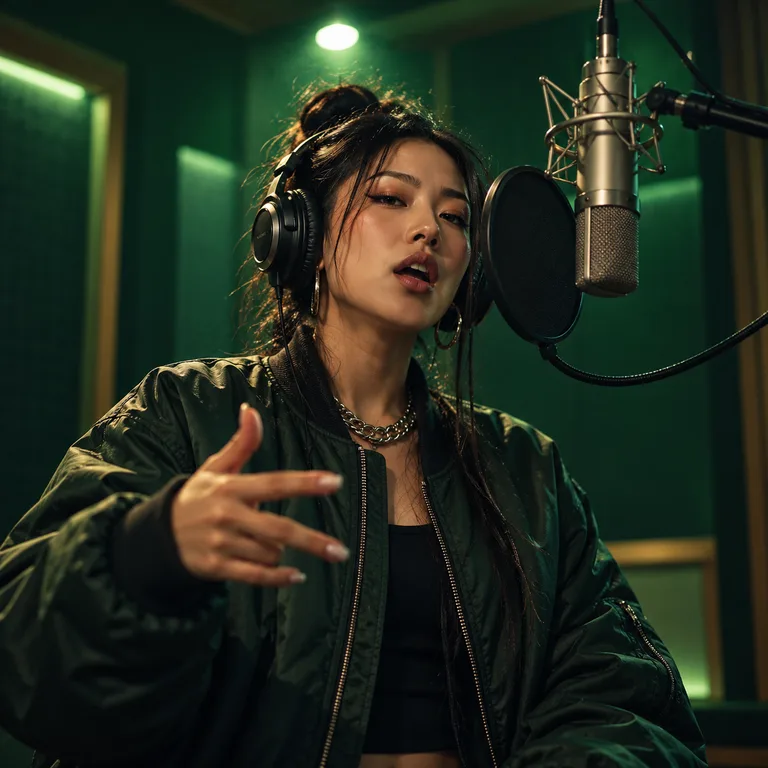
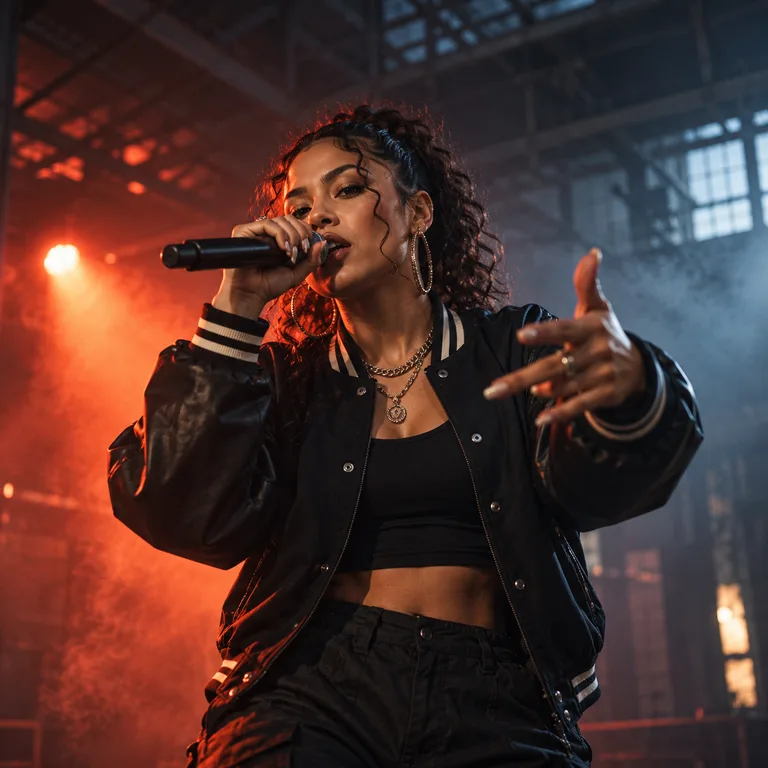
Turn photos and a personal theme into a short rap music video. Choose a stage, bring your performers and let AI prepare new lyrics for a performance starring your people.
See how to make your music video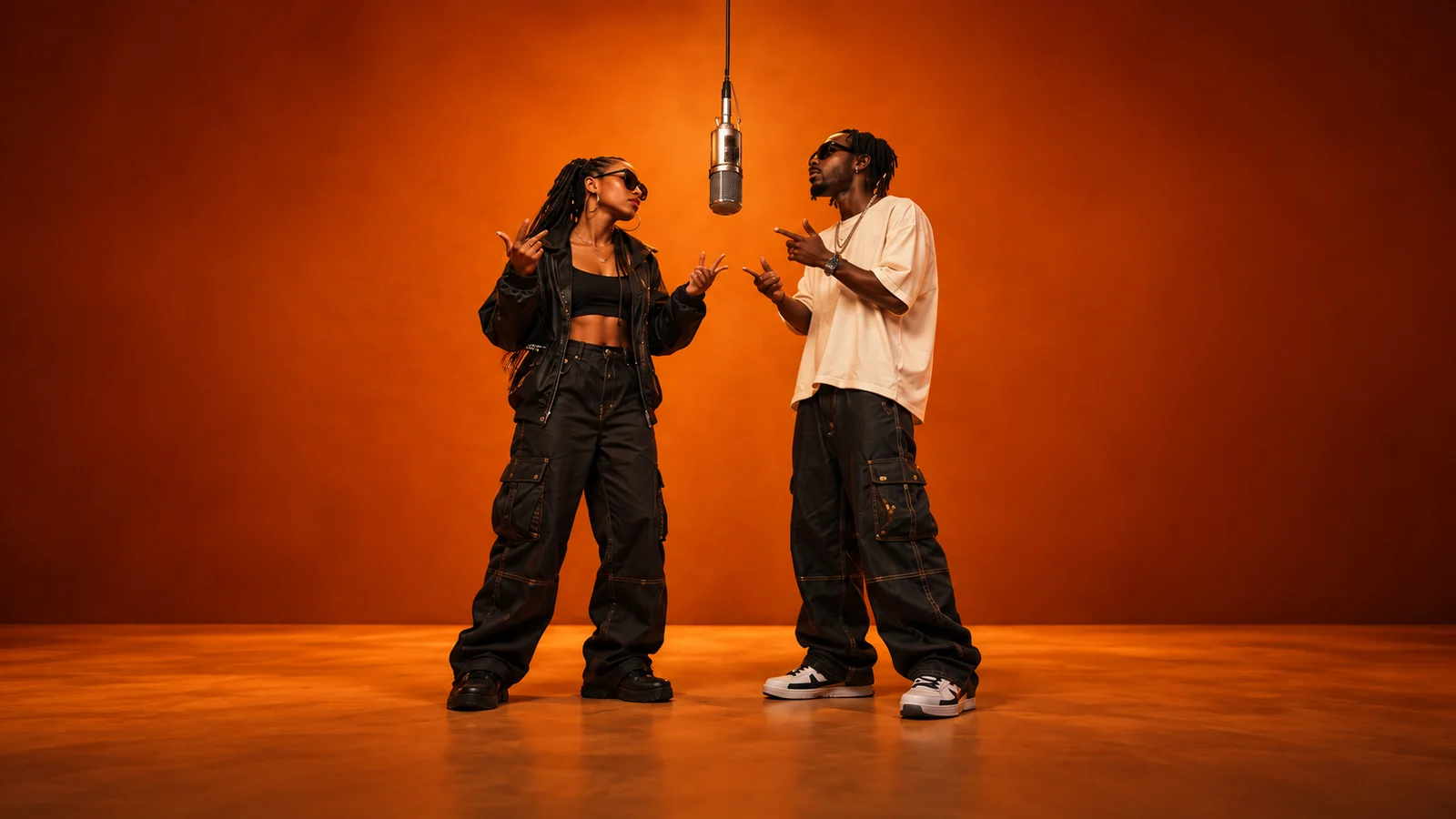
Add your references and generate. Your finished video will appear here.
Loading videos…
 A little inspiration goes a long way.Explore templates
A birthday deserves more than another message. An inside joke deserves an encore. With AI Rap Forge, photos become the cast of a short rap performance, and the details you share become the starting point for new lyrics.
Topic Rap brings the process into one studio: choose a stage, upload the requested performer photos and describe your theme. AI prepares lyrics, then uses your references to generate a music video. Review the finished clip before you share it.
Start here when you want to create a new rap performance. If you already have a finished song, Custom mode can help you create visual clips; pair those clips with your own audio in an editor afterward. This studio does not offer an audio-upload timeline.
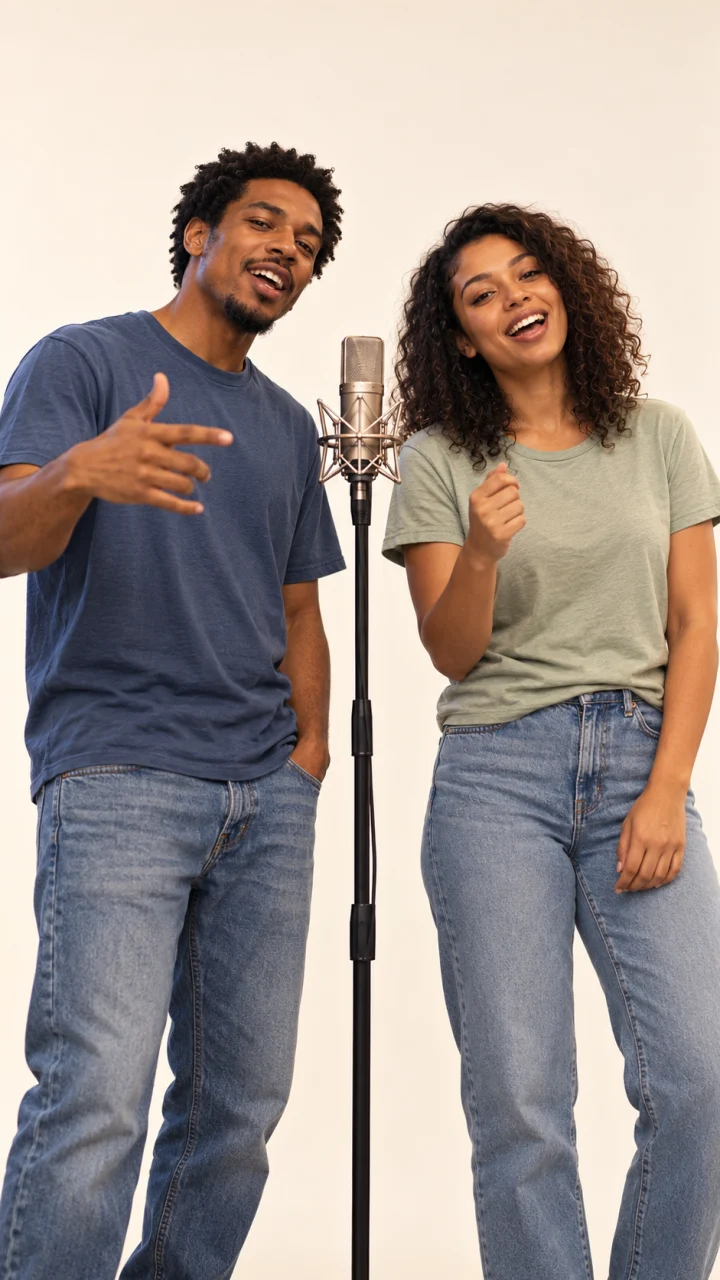
Use Topic Rap in the studio above. No filming setup or scene prompt is needed: your chosen stage supplies the setting.
Create my music videoBrowse the available stages and select your video model. Each stage shows how many performers it supports, so you can plan a solo moment or a shared performance.
Upload one clear photo for each performer requested, in the order shown. Use well-lit images with visible faces and permission from everyone pictured.
Add names, an occasion or a detail only your friends would know. Choose the duration, format and resolution, then check the credit cost before submitting.
Sign in and generate. Follow progress in video history, then preview and download the finished clip. Check the vocals, timing and facial detail before posting.
Turn a nickname, a birthday milestone or a shared memory into the starting point for new rap lyrics. Specific details give the performance a reason to be yours.
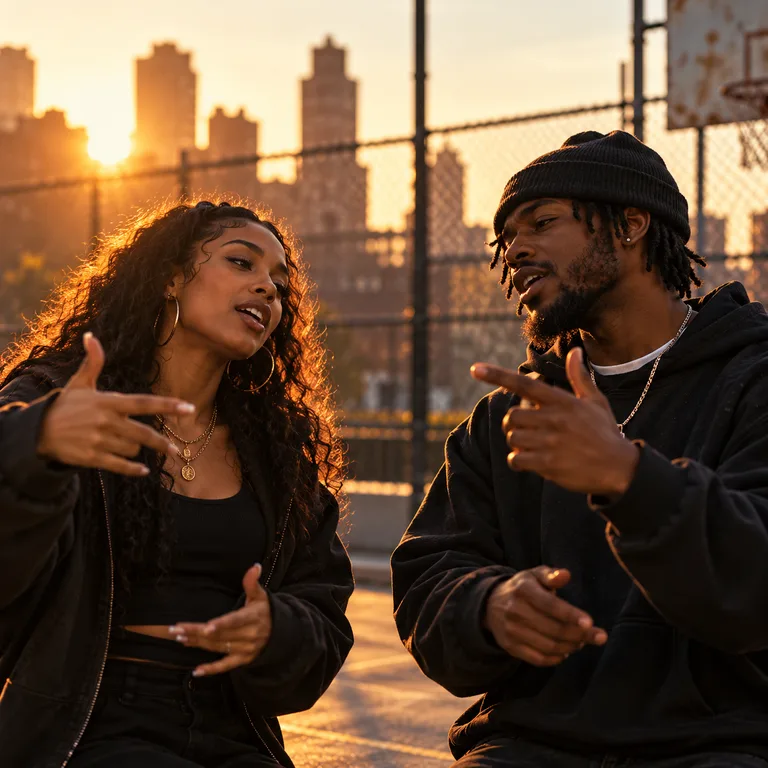
Choose a scene that suits the mood, then bring the people who belong in it. Follow the selected stage’s performer count and upload guidance.
Choose from the formats supported by your model. Use vertical framing for Reels and Shorts, or explore square and widescreen options where available.
The studio calculates credits from your model and settings. Use one-time credit packs, and keep creation, progress, previews and downloads in the same place.
Buy once. Create whenever inspiration strikes.
One-time payment · No auto-renewal
500 credits ≈ 10 videos
One-time payment · No auto-renewal
1,800 credits ≈ 36 videos
One-time payment · No auto-renewal
5,200 credits ≈ 104 videos
One-time payment · No auto-renewal
14,000 credits ≈ 280 videos
Video counts are estimated with MiniMax H3 at 768P for 5 seconds, no reference video and up to 5 images (50 credits per video). Actual counts vary by model, resolution and duration.
The studio shows the credit cost before you submit. The same pricing rules apply to template videos and custom creations.
Video credits = rate × (output seconds + reference video seconds) + extra image credits.
Example: a 5-second MiniMax H3 video at 768P, with up to 5 images and no reference video, costs 50 credits.
Credits per billable second
| Model | Resolution | No reference video | With reference video |
|---|---|---|---|
| Seedance 2.0 | 480p | 25 | 15 |
| Seedance 2.0 | 720p | 51 | 32 |
| Seedance 2.0 | 1080p | 127 | 77 |
| Seedance 2.0 | 4k | 258 | 159 |
| Seedance 2.0 Mini | 480p | 10 | 8 |
| Seedance 2.0 Mini | 720p | 19 | 14 |
| Seedance 2.0 Fast | 480p | 15 | 10 |
| Seedance 2.0 Fast | 720p | 32 | 19 |
| Seedance 2.5 | 480p | 36 | 22 |
| Seedance 2.5 | 720p | 80 | 48 |
| Seedance 2.5 | 1080p | 198 | 120 |
| MiniMax H3 | 768P | 10 | 10 |
| MiniMax H3 | 2K | 16 | 15 |
Topic Rap creates a short rap performance from a stage, performer photos and an optional theme. AI prepares new lyrics and sends the performance instructions and references to your selected video model. The result depends on the model, settings and source images; preview the music, vocals and visuals before sharing.
There is no dedicated audio-upload or editing timeline. Topic Rap starts from your theme to create a new performance. For an existing track, you can generate visual clips in Custom mode and combine them with audio you have the rights to use in a separate editor.
Follow the performer count on your selected stage. A solo stage needs one performer photo; a duo stage needs one photo for each performer. The photos do not need to have been taken together. Use clear faces and follow the upload order shown in the studio.
Yes. Use the theme to describe the occasion, people or business and include details you want the lyrics to reflect. For example, mention a friend’s nickname and birthday milestone. For business use, check the applicable terms and rights to all uploaded materials before publishing.
Video generation uses credits purchased in one-time packs; no subscription is required. See the pricing section for current packs. The generation button shows the credits required for your selected model, duration, resolution and references before you submit.
There is no fixed completion time. Lyrics preparation, the chosen video model, clip settings and provider queues all affect the wait. Follow your task in video history and preview it when it finishes.
Choose 9:16 if it is supported by your selected model. Available durations, resolutions and aspect ratios appear in the studio. Download the completed video and upload it to your preferred platform yourself.
Failed or canceled generation tasks automatically return the generation credits. A completed AI video can still vary in face detail, pronunciation, motion or lip sync. Clear, unobstructed photos help, and you should always preview the result. A playback issue alone does not mean the generation failed.
Choose a stage, add your photos and tell the studio what makes this song yours.