Starter Pack
$9
One-time payment · No auto-renewal
500 credits ≈ 10 videos
- HD videos, no watermark
- Download and post anywhere
- Credits never expire
- No charge for failed generations
Create an original rap performance on the Hotel Lobby stage. Add your photos, choose a theme and let AI turn your idea into lyrics and a video starring you.
Discover the Hotel Lobby trend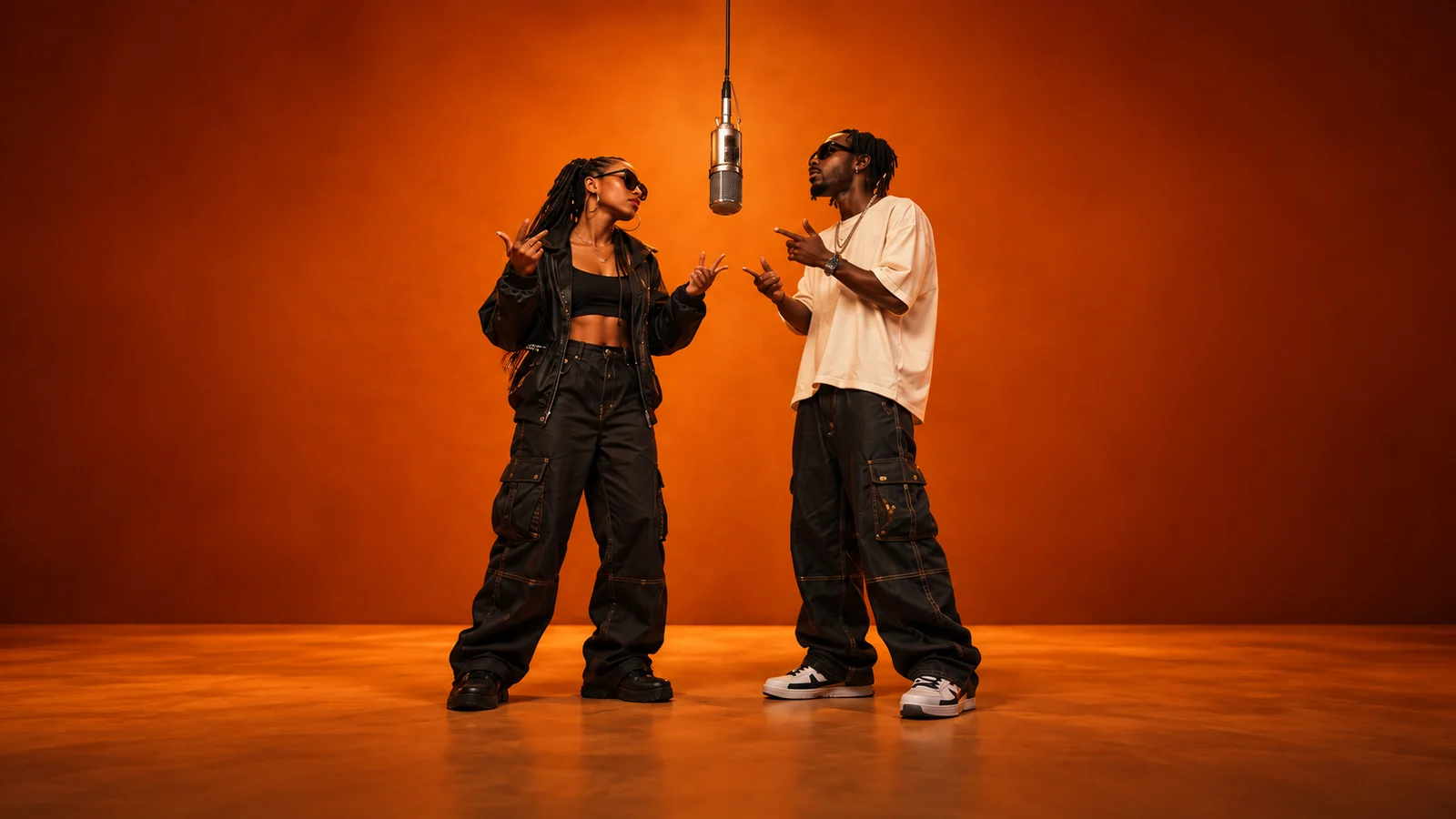
Add your references and generate. Your finished video will appear here.
Loading videos…
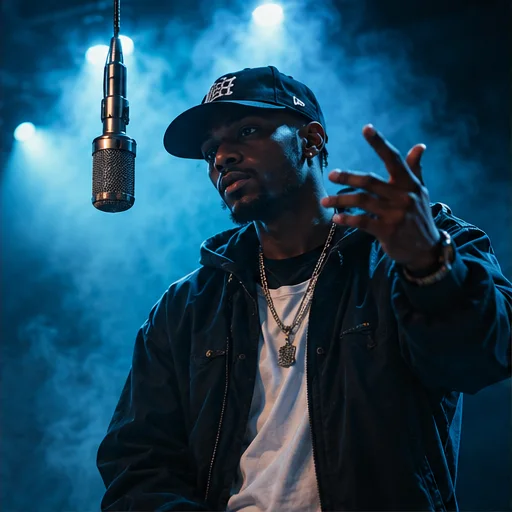 A little inspiration goes a long way.Explore templates
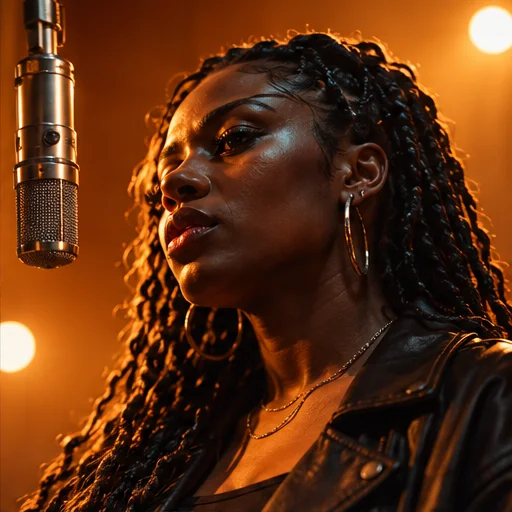
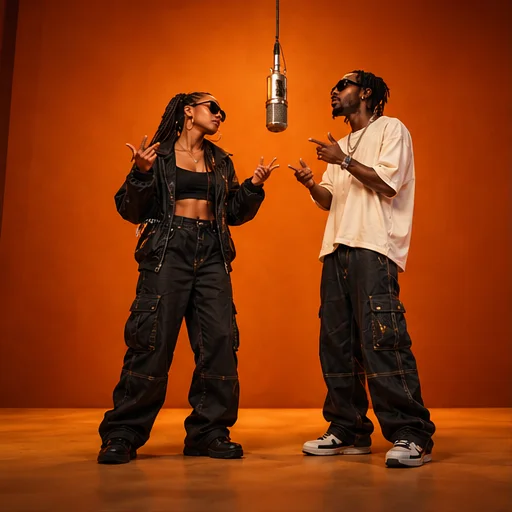
In 2022, Quavo and Takeoff performed HOTEL LOBBY for A COLORS SHOW. The vivid orange set, suspended microphone and the duo’s chemistry created an instantly recognizable stage scene.
AI edits turn that recognizable setup into a casting game: familiar faces appear in a new version of the performance. The appeal is seeing an unexpected duo share the stage, whether it is you and a friend, a couple or siblings.
On AI Rap Forge, Topic Rap uses the Hotel Lobby stage as a visual starting point. Upload your performers’ photos and add a theme to generate new lyrics and a rap performance, rather than automatically adding the original HOTEL LOBBY recording.
The Hotel Lobby stage is already selected in Topic Rap above. Bring your cast and a theme; the studio handles the lyrics and video generation.
Make my Hotel Lobby videoReview the selected stage and choose a video model. The stage supplies the visual reference and scene direction for your performance.
Add one clear photo for each performer requested by the stage. Use well-lit, unobstructed faces and follow the upload order shown in the studio.
Write a birthday message, a shared memory or another idea for the lyrics. Leave the theme blank for a general rap. Set your format, duration and resolution, then check the credit cost on the generation button.
Sign in and submit. AI prepares lyrics from your theme and generates the performance. Follow progress in video history, preview the result and download it for your social posts.
Your theme guides newly generated lyrics and a rap performance. Make it about your birthday, friendship or story instead of relying on the original song recording.
Upload photos, set your theme and generate in your browser. Preview and download the finished video from the same studio.
See the required credits on the generation button. Compare models, duration and resolution before submitting, and top up with a one-time credit pack when you need it.
Choose 9:16 for TikTok, Reels and Shorts, or another supported format. Download the finished clip and upload it to your preferred social platform.
Buy once. Create whenever inspiration strikes.
One-time payment · No auto-renewal
500 credits ≈ 10 videos
One-time payment · No auto-renewal
1,800 credits ≈ 36 videos
One-time payment · No auto-renewal
5,200 credits ≈ 104 videos
One-time payment · No auto-renewal
14,000 credits ≈ 280 videos
Video counts are estimated with MiniMax H3 at 768P for 5 seconds, no reference video and up to 5 images (50 credits per video). Actual counts vary by model, resolution and duration.
The studio shows the credit cost before you submit. The same pricing rules apply to template videos and custom creations.
Video credits = rate × (output seconds + reference video seconds) + extra image credits.
Example: a 5-second MiniMax H3 video at 768P, with up to 5 images and no reference video, costs 50 credits.
Credits per billable second
| Model | Resolution | No reference video | With reference video |
|---|---|---|---|
| Seedance 2.0 | 480p | 25 | 15 |
| Seedance 2.0 | 720p | 51 | 32 |
| Seedance 2.0 | 1080p | 127 | 77 |
| Seedance 2.0 | 4k | 258 | 159 |
| Seedance 2.0 Mini | 480p | 10 | 8 |
| Seedance 2.0 Mini | 720p | 19 | 14 |
| Seedance 2.0 Fast | 480p | 15 | 10 |
| Seedance 2.0 Fast | 720p | 32 | 19 |
| Seedance 2.5 | 480p | 36 | 22 |
| Seedance 2.5 | 720p | 80 | 48 |
| Seedance 2.5 | 1080p | 198 | 120 |
| MiniMax H3 | 768P | 10 | 10 |
| MiniMax H3 | 2K | 16 | 15 |
This page opens Topic Rap with the Hotel Lobby stage selected. Add a theme to generate new lyrics and a performance. The separate Hotel Lobby template page uses its own reference scene and prompt.
Upload one clear, well-lit photo for each performer requested in the studio. Keep faces visible and follow the upload order. The stage reference is supplied automatically.
No. Enter a theme, message or memory and AI prepares lyrics for the video. You can also leave the theme blank for a general rap performance.
The original recording is not automatically added. This workflow generates lyrics and audio for a new performance. Preview the result to check the lyrics, voices and music.
Around 200 credits per video. The cost depends on your selected model, duration, resolution and references. The generation button shows the required credits before you submit; the cost guide below pricing explains the calculation.
No. You can upload photos, generate, preview and download in your browser. Sign in and make sure you have enough credits before submitting.
Yes. Choose the vertical 9:16 format, preview the finished framing and download your clip. Upload the downloaded file to your preferred platform; the studio does not publish it automatically.
Failed or canceled generations automatically return the generation credits. AI results can vary in facial detail, movement and pronunciation. Review your result and use clear reference photos for a new attempt.
Your Hotel Lobby stage is ready. Add your photos and a theme to create a rap of your own.