





Starter Pack
$9
One-time payment · No auto-renewal
500 credits ≈ 10 videos
- HD videos, no watermark
- Download and post anywhere
- Credits never expire
- No charge for failed generations
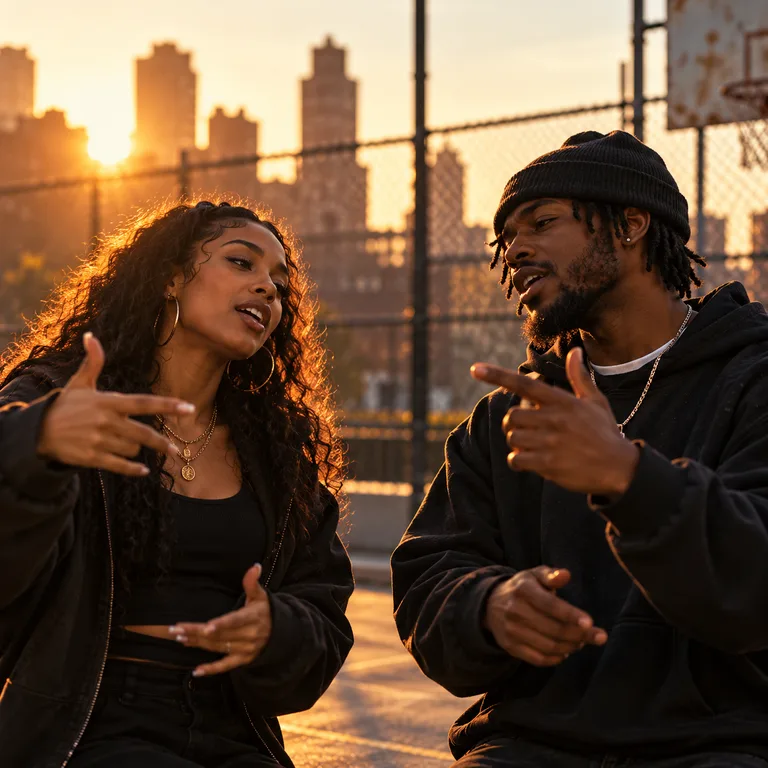
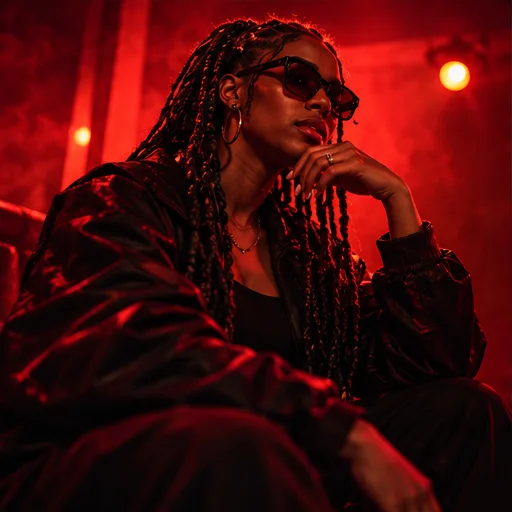
Put familiar faces behind the microphones this Christmas. Add two photos, a name and a festive inside joke to create an AI rap video for the family chat, your partner or your office crew.
Explore Christmas rap ideas
Add your references and generate. Your finished video will appear here.
Loading videos…
 A little inspiration goes a long way.Explore templates
A good Christmas rap starts with the people around your table. On AI Rap Forge, two photos become the performers, and your holiday theme guides original lyrics about the traditions, memories and little mishaps you share. Make a greeting your family can recognize in the first few bars.
Let your aunt defend her secret gingerbread recipe, celebrate your first Christmas as a couple, or turn the office gift exchange into a friendly roast. Choose one detail and a playful or heartfelt tone to keep the message personal.
The stage is already selected in the studio above. Add two photos, describe your Christmas theme and review your settings and credits before generating. Generation usually takes 3–5 minutes, then you can share a holiday wish starring your own duo.
Two faces and one holiday story are all you need to start. Use the studio above to turn your idea into a greeting you can download and share.
Make our Christmas rapUpload one clear photo of each performer in the two photo slots. Use well-lit, front-facing photos; you do not need a picture taken together.
Add names and one festive detail: a family tradition, a funny gift or your first holiday together. Ask for a warm greeting or a lighthearted roast. The stage is already selected.
Choose your model, duration, resolution and format. Review the credits on the generation button, sign in and generate your Christmas rap video.
Preview the finished performance, check names and pronunciation, and download your video. Send it to the family chat, play it at your gathering or post a holiday greeting.
Start with a name and one detail your duo will recognize. Make these prompts your own before generating.
Nora guards her gingerbread recipe like a Christmas family treasure.
Ben untangles Christmas lights longer than anyone unwraps their presents.
Maya claims the biggest gift; Leo claims the last chocolate.
Priya received another mug at the office Secret Santa.
Sam and Riley celebrate their first Christmas in matching pajamas.
Jamie sends Christmas cheers across three time zones to Alex.
Your names and shared traditions guide a new rap. Make room for gentle teasing, grateful words or a festive celebration of your favorite people.
Two reference photos bring familiar faces into one performance. Invite a sibling, partner, grandparent or friend to share your Christmas message.
Download the finished video to share with your people. Choose vertical 9:16 for phone screens and short holiday posts.
Choose your settings and review the cost before submitting. Use a one-time credit pack when you need it, with no subscription required.
Buy once. Create whenever inspiration strikes.
One-time payment · No auto-renewal
500 credits ≈ 10 videos
One-time payment · No auto-renewal
1,800 credits ≈ 36 videos
One-time payment · No auto-renewal
5,200 credits ≈ 104 videos
One-time payment · No auto-renewal
14,000 credits ≈ 280 videos
Video counts are estimated with MiniMax H3 at 768P for 5 seconds, no reference video and up to 5 images (50 credits per video). Actual counts vary by model, resolution and duration.
The studio shows the credit cost before you submit. The same pricing rules apply to template videos and custom creations.
Video credits = rate × (output seconds + reference video seconds) + extra image credits.
Example: a 5-second MiniMax H3 video at 768P, with up to 5 images and no reference video, costs 50 credits.
Credits per billable second
| Model | Resolution | No reference video | With reference video |
|---|---|---|---|
| Seedance 2.0 | 480p | 25 | 15 |
| Seedance 2.0 | 720p | 51 | 32 |
| Seedance 2.0 | 1080p | 127 | 77 |
| Seedance 2.0 | 4k | 258 | 159 |
| Seedance 2.0 Mini | 480p | 10 | 8 |
| Seedance 2.0 Mini | 720p | 19 | 14 |
| Seedance 2.0 Fast | 480p | 15 | 10 |
| Seedance 2.0 Fast | 720p | 32 | 19 |
| Seedance 2.5 | 480p | 36 | 22 |
| Seedance 2.5 | 720p | 80 | 48 |
| Seedance 2.5 | 1080p | 198 | 120 |
| MiniMax H3 | 768P | 10 | 10 |
| MiniMax H3 | 2K | 16 | 15 |
Add two clear performer photos and write a Christmas theme with names and one personal detail. The stage is already selected. Choose your settings, check the credits, sign in and generate.
Yes. Add one clear photo of each of the two people you want to feature, with their permission. Shape the theme around a shared tradition, a memory or a friendly holiday joke.
Yes. Include names and a specific detail in your theme to guide the lyrics. Keep the idea focused and preview the result, as wording and pronunciation can vary.
Yes. Lyrics follow the page language: use the English page for English lyrics or switch the site to Chinese for Chinese lyrics. Preview the result to check names and pronunciation.
No. AI creates new lyrics from your theme and generates the performance. It does not use a famous artist’s recording or clone the voices of the people in your photos.
Generation usually takes 3–5 minutes. Your model, video settings and the provider queue can affect the wait. Follow progress in video history and open the result when it is ready.
Video generation uses credits from one-time packs, with no subscription required. The generation button shows the credits for your chosen model, duration, resolution and reference materials before you submit. See the pricing and video cost sections above for details.
Preview and download the finished clip from video history, then send it through a messaging app or upload it to your social account. Choose 9:16 for a vertical phone video.
Generation credits are automatically returned for failed or canceled jobs. Use clear photos and check completed videos for facial detail, movement and pronunciation before sharing.
Bring two photos and the holiday story everyone remembers. Make a festive rap greeting with the people who make Christmas yours.