

Starter Pack
$9
One-time payment · No auto-renewal
500 credits ≈ 10 videos
- HD videos, no watermark
- Download and post anywhere
- Credits never expire
- No charge for failed generations
Create a personalized Christmas song as an AI rap video. Add your photos, names and holiday memories, then share a greeting made for the people you love.
Explore Christmas song ideas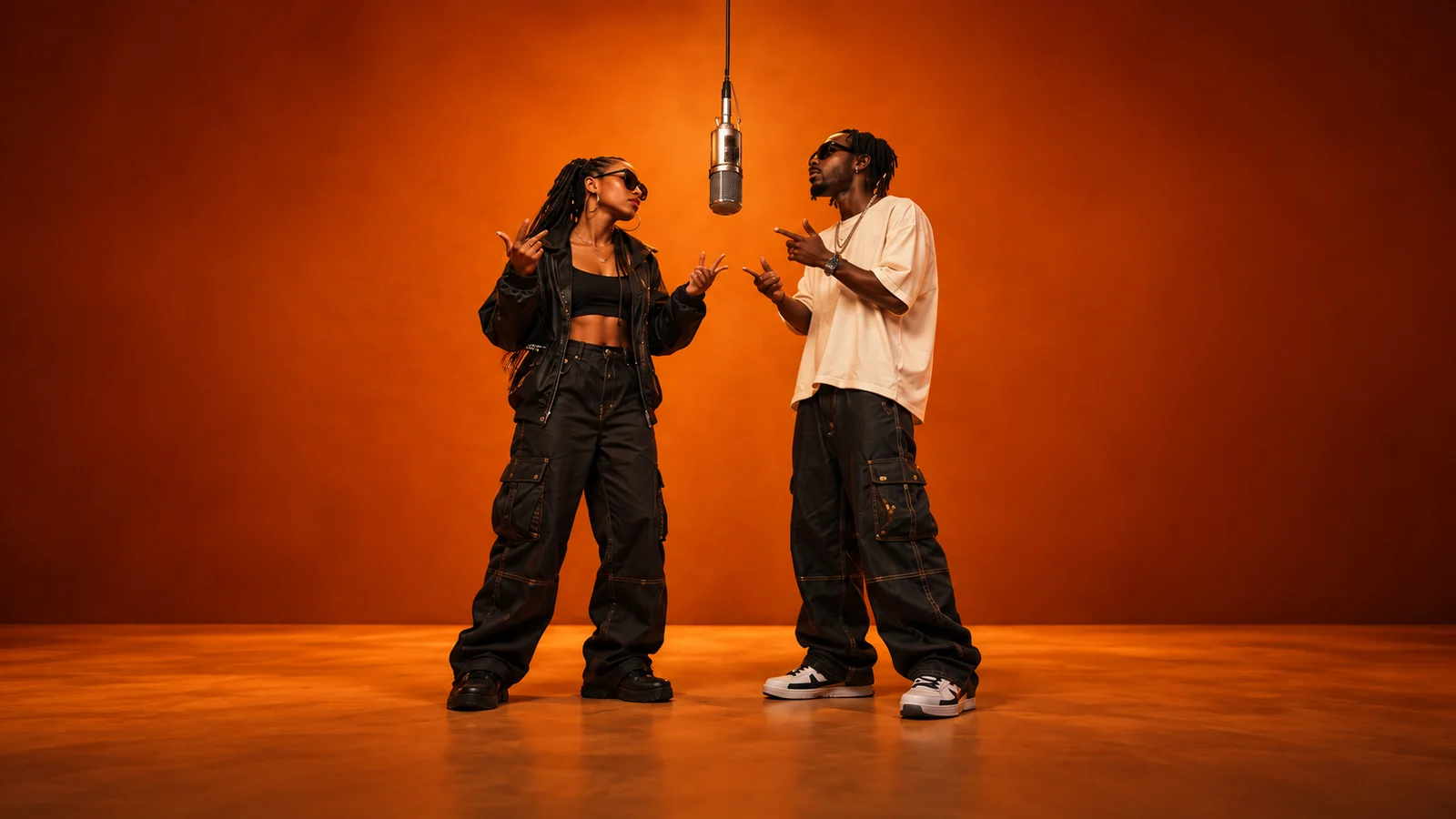
Add your references and generate. Your finished video will appear here.
Loading videos…
 A little inspiration goes a long way.Explore templates
A personalized Christmas song brings your holiday wishes into an AI-generated rap video, with familiar faces on screen and your people’s names and memories in the lyrics. On AI Rap Forge, upload a clear photo for each performer and write a short Christmas message—no recording or lyric writing needed.
Try “Merry Christmas, Ella! Here’s to more midnight chats and kitchen karaoke.” AI creates lyrics from your message and generates a rap video using your photos and selected stage. Choose the available duration, format and resolution in the studio, then follow generation progress in your video history.
The generation button shows the required credits before you submit; the cost depends on your model and settings. Credits are automatically returned for failed or canceled generations. Preview the finished video, download it and send a little Christmas cheer to the family chat or someone far away.
A few familiar faces, a memory worth keeping and a Christmas wish. Turn them into a rap video for the people who made your year.
Make my Christmas songWho’s joining you on stage this Christmas? Pick yourself, your partner or the friend who always makes you laugh. Upload a clear photo of each performer, following the photo slots above—no matching outfits or group photo needed.
Think of someone you’d love to make smile. Add their name, a moment you shared this year and a wish just for them: “Merry Christmas, Dad—here’s to more snowy walks and your terrible jokes.” A few heartfelt words are enough; AI will help with the lyrics.
Ready to hear your Christmas wishes come to life? Choose your video settings, check the credits and hit generate. AI turns your photos and message into a rap performance of your own. You can follow its progress in your video history.
Watch your finished rap, then download it for the people you made it for. Drop it into the family chat, surprise a friend far from home or play it after Christmas dinner. It’s a little way to say, “I’m thinking of you.”
Start with someone you love and one detail only they would recognize. Try a theme below, then swap in your own names and memories.
Merry Christmas, Nana and Grandpa! Here’s to more card games and your unbeatable winning streak.
Merry Christmas, Parkers! Thanks for the laughter, shared dinners and always being there.
Merry Christmas, Mia! Sending hugs to London until our next movie night together.
Merry Christmas, Ben and Priya! Still laughing about our camping disaster. More adventures next year!
Merry Christmas, Alex! Every kitchen dance with you makes an ordinary day feel special.
Merry Christmas, team! Thanks for the coffee runs, clever ideas and cheering each other on.
Buy once. Create whenever inspiration strikes.
One-time payment · No auto-renewal
500 credits ≈ 10 videos
One-time payment · No auto-renewal
1,800 credits ≈ 36 videos
One-time payment · No auto-renewal
5,200 credits ≈ 104 videos
One-time payment · No auto-renewal
14,000 credits ≈ 280 videos
Video counts are estimated with MiniMax H3 at 768P for 5 seconds, no reference video and up to 5 images (50 credits per video). Actual counts vary by model, resolution and duration.
The studio shows the credit cost before you submit. The same pricing rules apply to template videos and custom creations.
Video credits = rate × (output seconds + reference video seconds) + extra image credits.
Example: a 5-second MiniMax H3 video at 768P, with up to 5 images and no reference video, costs 50 credits.
Credits per billable second
| Model | Resolution | No reference video | With reference video |
|---|---|---|---|
| Seedance 2.0 | 480p | 25 | 15 |
| Seedance 2.0 | 720p | 51 | 32 |
| Seedance 2.0 | 1080p | 127 | 77 |
| Seedance 2.0 | 4k | 258 | 159 |
| Seedance 2.0 Mini | 480p | 10 | 8 |
| Seedance 2.0 Mini | 720p | 19 | 14 |
| Seedance 2.0 Fast | 480p | 15 | 10 |
| Seedance 2.0 Fast | 720p | 32 | 19 |
| Seedance 2.5 | 480p | 36 | 22 |
| Seedance 2.5 | 720p | 80 | 48 |
| Seedance 2.5 | 1080p | 198 | 120 |
| MiniMax H3 | 768P | 10 | 10 |
| MiniMax H3 | 2K | 16 | 15 |
Upload your photos in the studio above and enter a Christmas message as your theme. Review your stage and video settings, check the credit cost, then sign in and submit.
Try: “Wish Maya a happy Christmas, mention our snowy road trip and thank her for always making us laugh.” Add names, memories and the tone you want. Review the generated result before sharing.
No. AI prepares lyrics from your theme. Add a Christmas message for a festive rap; leaving the theme blank creates a general rap performance.
A Christmas recording is not automatically added. This workflow generates new lyrics and performance audio from your theme. Preview the finished clip to check the music, voices and pronunciation.
The required credits depend on your model, duration, resolution and reference materials. Check the generation button for the cost before submitting and see the pricing section for credit packs.
Download the finished clip after previewing it. Choose a supported format such as 9:16 for vertical posts, then share the file through your preferred messaging or social app.
Failed or canceled generations automatically return the generation credits. AI output can vary in facial detail, movement and pronunciation; use clear photos and review the completed video.
Add your photos and a personal Christmas message. Turn this year’s wishes into a rap performance of your own.